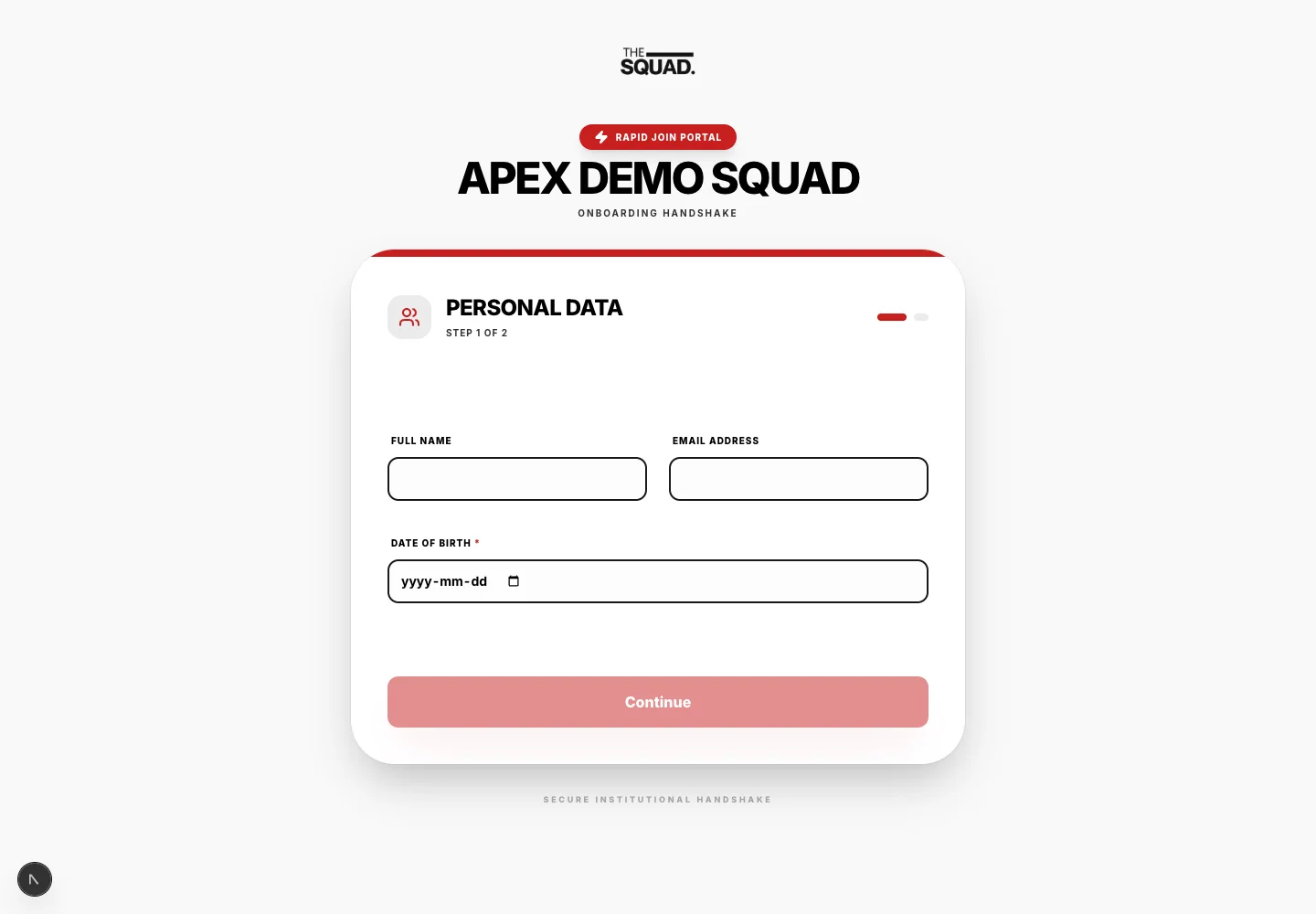
Digital sports registration is the collection and review of participant details, consent and payment status through an online workflow.
What information should an online registration process collect?
Collect the details needed for participation, explain required fields and restrict access to sensitive records.
Paper registration feels free. It is not. The true cost includes:
- Administrative hours spent manually entering data from paper forms
- Errors from illegible handwriting or incomplete forms
- Lost forms
- Manual payment tracking and chasing late fees
- Physical storage and retrieval overhead
- No searchable data for historical reference
A program can assess the change by recording registration work before and after adopting the new process. Keep the number of registrations and the tasks measured alongside the time record.
Step 1: Choosing the Right Platform
Digital registration platforms range from sport-specific purpose-built systems to general form builders. Evaluate options against these criteria:
Must-have features:
- Online registration form builder (customizable fields)
- Electronic waiver and consent form signing
- Integrated payment processing (credit card acceptance)
- Automatic confirmation emails to families
- Data export capability (CSV/Excel)
- Secure data storage (HIPAA-compliant medical data handling)
Nice-to-have features:
- Automatic payment reminders for incomplete registrations
- Family portal for updating information
- Integration with team communication tools
- Scholarship/financial aid application handling
- Multi-program registration
Platform options to evaluate:
- Sports-specific: SportsEngine, TeamSnap, The Squad, Active Network
- General: JotForm with payment integration, Google Forms with Stripe
- League management: LeagueApps, SportEngine
For most youth programs, a sports-specific platform is worth the premium for the time savings and sport-specific features.
Step 2: Building Your Digital Registration Form
Required fields:
- Athlete legal name
- Date of birth (for age verification)
- Gender (as applicable to division assignment)
- Primary parent/guardian name, phone, email
- Secondary emergency contact (name, relationship, phone)
- Physical address
- Photo release consent
- Liability waiver and medical authorization (e-signature)
- Medical information: allergies, medications, conditions coaches should know about
- Doctor/insurance information
Optional but valuable:
- T-shirt size (if distributing)
- How did you hear about us?
- Returning vs. new participant
- Volunteer interest
Payment settings:
- Set registration fee amount
- Enable credit card processing
- Optionally offer early-bird pricing before a deadline
- Set up financial aid / scholarship application option
Step 3: Data Migration
If you have historical data in spreadsheets or paper records:
- Prioritize migrating returning families
- At minimum, migrate emergency contact and medical information for safety continuity
- Most platforms allow CSV import for existing data
Step 4: Family Onboarding Communication
Announcement communication (send 6–8 weeks before registration opens):
"This season, we are moving to online registration! You will be able to register and pay in under 10 minutes from your phone or computer. Here is the link: [link]. If you need help, contact us at [email/phone]."
FAQ to include:
- Is it secure? (Yes — the platform uses bank-level encryption)
- What if I do not have a credit card? (Check/cash alternatives if applicable)
- What if I need financial assistance? (Direct to your process)
- What if I have technical difficulties? (Contact info)
Support for less tech-comfortable families:
- Offer a registration help station at your first in-person event
- Have a staff member or volunteer available to walk families through the process
- Keep paper registration as a fallback for the first season
Step 5: Managing Incomplete Registrations
Set up automated reminders: Most platforms can send automatic reminder emails to families who started but did not complete registration after 48–72 hours.
Define your registration deadline and enforcement: Clear deadlines with communicated consequences drive completion rates dramatically.
Waitlist management: Digital systems make waitlist management simple — families can be automatically notified when a spot opens.
Measuring the Transition Success
Track these metrics to evaluate your digital registration rollout:
- Completion rate: What percentage of registered athletes completed the full digital form?
- Administrative time: Track hours spent on registration-related admin in the first digital season vs. the previous paper season
- Error rate: How often did you need to contact families to correct or complete information?
- Family satisfaction: Ask in your post-season survey about the registration process
Most programs see a 70–80% reduction in administrative registration work in their first full digital season.
Digital Registration Workflow: From Sign-Up to Game Day
The Registration Pipeline
Registration isn't a single event — it's a pipeline of steps from initial sign-up to game-day check-in. Every step in the pipeline is an opportunity to collect correct information, build participant confidence, and reduce day-of friction. Every breakdown in the pipeline becomes a day-of problem.
Map your complete registration workflow before you open registration. Then design each step intentionally.
Stage 1: Registration Open
Actions: Team completes online registration form, pays deposit or full fee, receives immediate automated confirmation.
Design checklist:
- Form collects only essential fields (see Online Registration article)
- Mobile-optimized form and payment
- Immediate confirmation email with confirmation number
- Automated addition to your CRM/registration system
Common failure: Manual data entry after form submission — introduces errors and delays confirmation. Use platforms that automatically populate your database.
Stage 2: Pre-Event Communications (T-30 to T-7 days)
Actions: You send scheduled pre-event communications. Teams complete outstanding requirements (roster submission, waivers).
Communication schedule:
- T-30 days: Roster submission deadline reminder + event details
- T-14 days: Venue information, parking, schedule format
- T-7 days: Final checklist — what to bring, check-in time, emergency contacts
Tracking system: Maintain a dashboard or spreadsheet showing which teams have completed each requirement. Follow up individually with non-responders.
Stage 3: Roster and Waiver Collection
Actions: Teams submit final rosters. Athletes (or guardians) sign liability waivers.
Digital waiver options:
- Integrated into registration platform (most seamless)
- Separate e-signature tool (DocuSign, SignNow, Jotform Sign)
- Paper waivers at check-in (least preferred — creates day-of bottleneck)
Collect rosters digitally, in the format your bracket software accepts. If your bracket software needs a specific input format (CSV, team name format), communicate this to coaches.
Roster lock deadline: 5–7 days before the event. After this, changes require approval.
Stage 4: Final Payment
Actions: If using deposit model, final payment is collected 1–2 weeks before the event.
Automation: Set up automated payment reminders. Manual collection is time-intensive and creates awkward conversations. Your registration platform should handle payment tracking and reminders.
Non-payment protocol: Teams with outstanding payments at roster lock should be notified they risk forfeiting their spot. Follow through on this consistently.
Stage 5: Schedule and Bracket Publication
Actions: You publish the bracket/schedule. Teams review their schedule.
Publish timing: 3–5 days before the event is ideal. Too early and it feels incomplete; too late and teams can't plan.
Format: Publish in multiple formats — linked from your tournament page, PDF for printing, and directly in your tournament app if applicable.
Schedule communication: Send direct notification (email or app notification) when the schedule is published. Don't wait for teams to discover it.
Stage 6: Check-In (Day Of)
Actions: Teams check in at the event, receive materials, verify roster eligibility.
Streamlined check-in:
- Pre-assign check-in time slots (every 15 minutes) by division
- Digital check-in list (tablet with team search, not paper alphabetically sorted stacks)
- Pre-packaged team packets (schedule, field assignments, credential cards) sorted and ready
- Separate lanes for teams with outstanding issues (missing waivers, payment)
Target: Any team with complete documentation checked in within 5 minutes of arrival.
Stage 7: Post-Event
Actions: Results finalized, participant survey sent, records archived.
- Send participant survey within 24 hours (3 questions max)
- Archive all registration data per your retention policy
- Send invoices for any outstanding balances
- Send thank-you email with any post-event content (photos, results summary)
Online Tournament Registration That Athletes Actually Complete
The Registration Problem Nobody Talks About
Tournament directors obsess over brackets, venues, and scheduling. They rarely examine the single process that determines whether teams actually show up: registration.
A clunky, confusing, or time-consuming registration process kills tournaments before they start. Abandoned sign-ups, incomplete forms, missing payments, and last-minute chaos are almost always symptoms of a poorly designed registration workflow.
The good news: online registration is now sophisticated enough to eliminate most of these problems — if you design it correctly.
What Registrants Actually Want
Before designing your registration form, understand who's completing it. In most amateur and youth tournaments, it's a coach or team administrator — someone who:
- Is doing this in their limited free time
- May be registering multiple teams
- Has a long list of other administrative tasks
- Will become a negative word-of-mouth generator if the process is frustrating
They want three things: fast, clear, and confident (confidence that the registration was received and processed correctly).
The Ideal Registration Form
Collect only what you need:
Every unnecessary field increases drop-off. Ask yourself: will I actually use this information? If not, remove it.
Essential fields only:
- Team name
- Division/age group
- Head coach name and contact
- Emergency contact
- Number of athletes (approximate)
- Payment information
Remove after registration collection: Athlete rosters (collect closer to the event), detailed scheduling preferences (handle separately), waivers (collect at check-in or separately).
Design for mobile:
A significant portion of registrations happen on phones. Test your form on mobile before launching. Long forms, file uploads, and complex payment flows perform poorly on mobile.
Payment and Deadline Structure
Deposit + final payment model works better for most tournaments than full payment upfront:
- Reduces price barrier at registration
- Creates two commitment touchpoints (reducing no-shows)
- Allows you to confirm division viability before collecting full payment
Early bird discounts increase early registrations that help you plan. A 10–15% discount for registrations 6+ weeks out is usually enough incentive.
Clear cancellation policy builds trust. State it explicitly on the registration page, not buried in terms and conditions.
Automated Confirmation and Communication
The registration experience doesn't end when the form is submitted. What happens next determines the registrant's confidence level.
Immediate auto-confirmation email should include:
- Confirmation number
- Summary of what was registered
- Payment receipt
- What information will be needed later (rosters, waivers)
- Key dates (final payment due, roster deadline, check-in time)
- Contact information for questions
Follow-up communication schedule:
- T-minus 30 days: Reminder email with any outstanding requirements
- T-minus 14 days: Important event information (venue, parking, schedule format)
- T-minus 3 days: Final logistics email (check-in process, emergency contacts, weather contingency)
Handling Incomplete Registrations
Set up automated reminders for registrants who started but didn't finish. A simple "You started registering for [Tournament Name] — complete your spot before it closes" email, sent 24 hours after an incomplete registration, recovers a meaningful percentage of drop-offs.
Tools to Consider
Most sports management platforms (SportsEngine, TeamSnap, Demosphere, LeagueApps) offer solid registration functionality. Evaluate on:
- Mobile experience
- Payment processing fees
- Automated communication capabilities
- Integration with your bracket/scheduling tools
- Ease of exporting registration data
Avoid building custom registration forms in Google Forms or similar tools — the payment integration, automation, and data management capabilities are severely limited.
Measuring Registration Experience Quality
After each tournament, send a 3-question survey to registrants:
- How easy was the registration process? (1–5)
- How clear was the information provided? (1–5)
- What would you improve about the registration experience?
Use this feedback to improve next year. Consistently excellent registration experiences are a competitive advantage in tournament retention.
Sources and further reading
- Federal Trade Commission: Protecting Personal Information — The regulator’s guide covers collecting only needed information, restricting access and disposing of records safely.
- Google Drive Help: Share Files from Google Drive — The tool maker’s instructions explain viewer, commenter and editor access when sharing team files or footage.